
C3D Mobile2.2 - Google Play
You'll be able to see results in few seconds.
Publisher Description
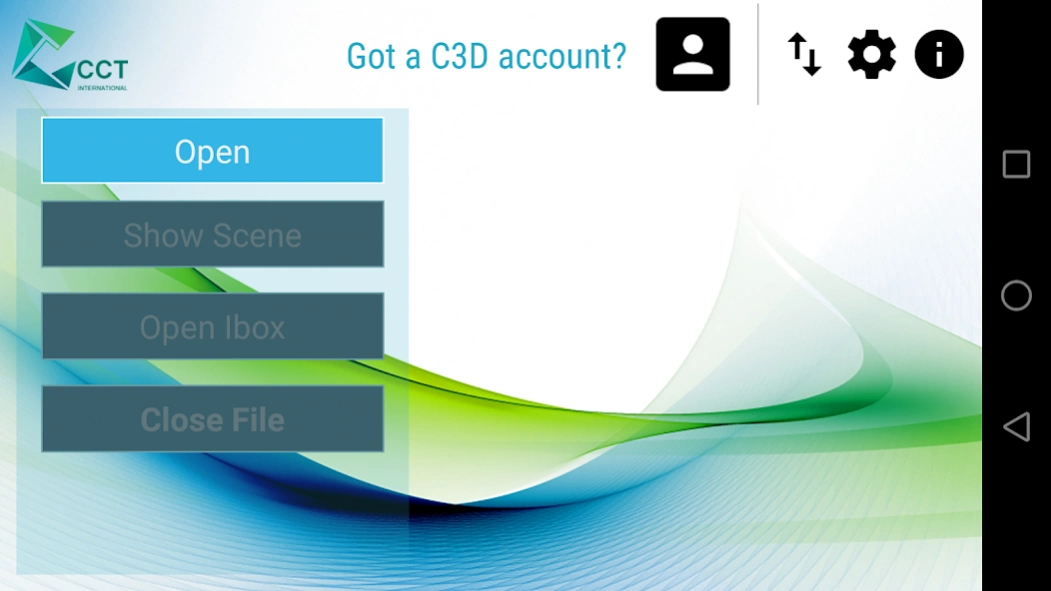
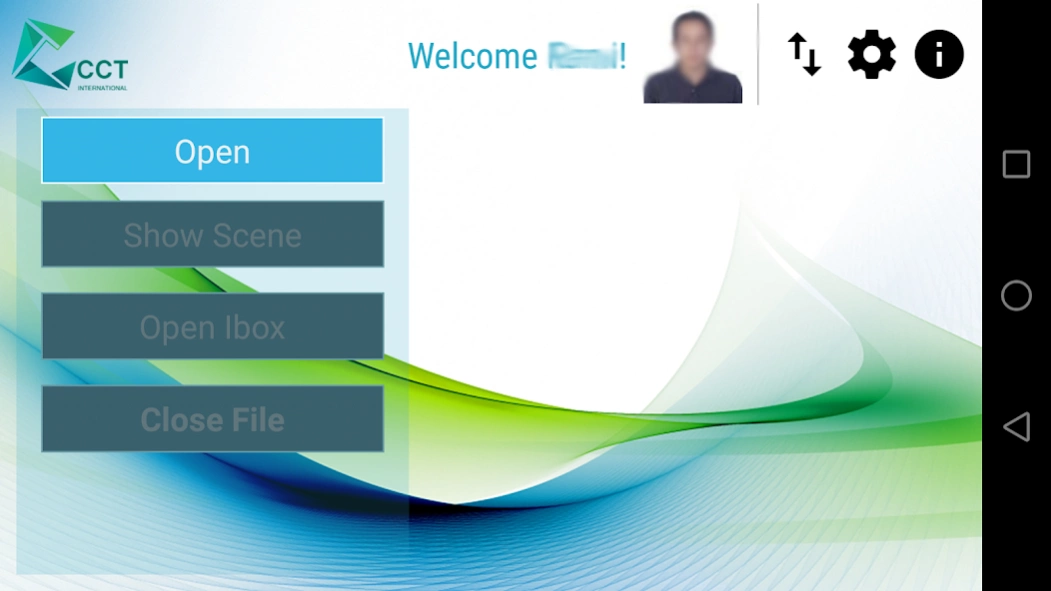
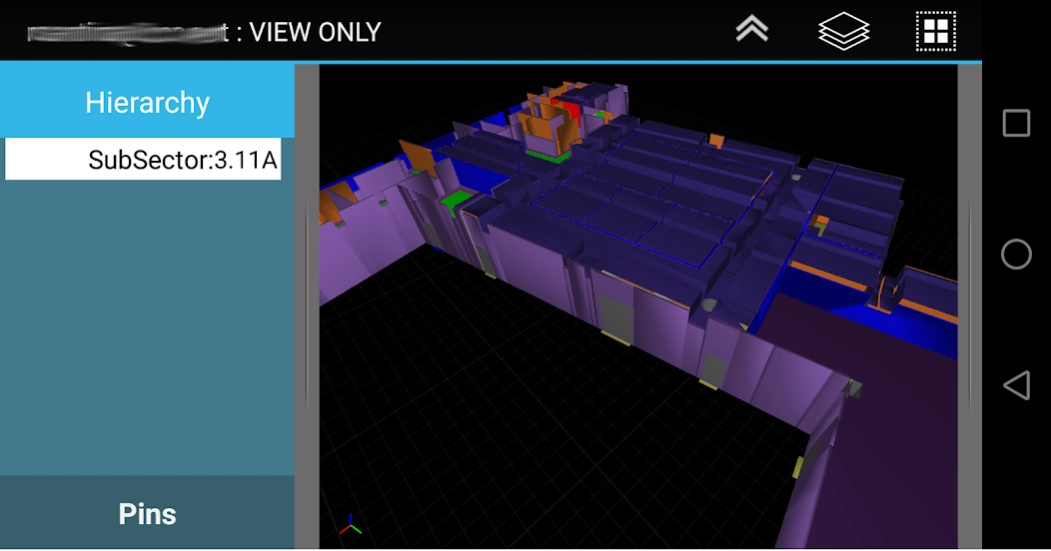
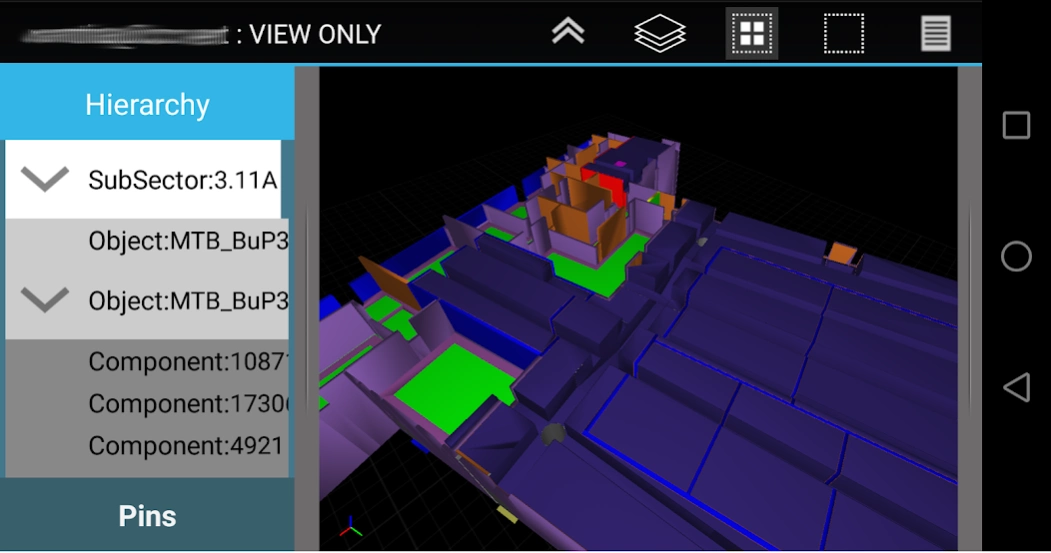
3D BIM Mobile Companion, towards a paperless Lean construction site.
C3D Mobile is a specialized 3D Construction management application. C3D Mobile allows site supervisors to interact with the
3D model relevant to their area of responsibility. C3D Mobile also allows the user to create, edit, and verify punchitems.
Using C3D Mobile, you will be fully informed on all the details of the model and parameters that are needed on the
move. No need to go back to the office to verify, check, or print the drawings before heading to the construction site. Share
your models, updates, and revisions using C3D Collaboration Server.
Main usage of C3D Mobile includes:
Visualize Model & Related Properties
- Smooth Navigation of the 3D model.
- View properties and BOQs per object.
Punch Listing & Handover
- Create Punchitems with optional image (diretly from camera or from user gallery).
- Link Objects to Punchitem
- Set Punchitem as Done, and send it for verification.
- Works offline & Online
- Verify Punchitems assigned to you. (JV, Contractor, Client)
- View supporting documents and drawings.
- Automatically upload changes to server (if connection available)
- Fully Compatible with C3D Atlas Handover System and/or C3D SiteWalk Add-on.
Having C3D Interactive as its desktop counterpart, the user can share to C3D Mobile the whole model or part
of a model depending on user, location, activity, and any other filtering criteria. Convert models coming
from industry standard file formats and multiple design authoring tools. The converted models are then
combined to be linked to your plan and WBS coming from reputed scheduling applications.
Sample Model with Punch-items is availabe for download thru the app.
For more information, visit http://c3d.com
About C3D Mobile
The company that develops C3D Mobile is CCT International. The latest version released by its developer is 2.2.
To install C3D Mobile on your Android device, just click the green Continue To App button above to start the installation process. The app is listed on our website since 2019-09-06 and was downloaded 0 times. We have already checked if the download link is safe, however for your own protection we recommend that you scan the downloaded app with your antivirus. Your antivirus may detect the C3D Mobile as malware as malware if the download link to cctintl.c3d.android is broken.
How to install C3D Mobile on your Android device:
- Click on the Continue To App button on our website. This will redirect you to Google Play.
- Once the C3D Mobile is shown in the Google Play listing of your Android device, you can start its download and installation. Tap on the Install button located below the search bar and to the right of the app icon.
- A pop-up window with the permissions required by C3D Mobile will be shown. Click on Accept to continue the process.
- C3D Mobile will be downloaded onto your device, displaying a progress. Once the download completes, the installation will start and you'll get a notification after the installation is finished.
Program Details
System requirements
Download information
Pricing
Version History
version 2.2
posted on 2019-09-06
-Support v4.x of C3D
-Support 64bit devices
-Rendering Enhancements : major update on shading model to enhance visualization
-2D Drawing support: support loading 2D drawings based files on mobile
-Add support for position based navigation
-Compress model for ability to load more geometry.
-Job Cards for use with C3D Planner (beta)
-Settings
Add ability to change background Color
Setting max vertex load capacity
Allow user to modify URL
-Bug fixes & enhancements
version 2.1
posted on 2017-04-12
-Pins:
Support additional properties on Pins from a related class
Properties: Text, List, & Date. (Options: default values, read-only, & required)
-Notifications
System service to check for new/revised files, with system notification.
User can change checking frequency or disable it from application settings.
-Scene:
360 based navigation mode (based on devise orientation)
System camera views (Top, bottom, left, right, back, front)
Align Camera View option.
Various Bug Fixes & Enhancements
version 2.0
posted on 2016-11-21
V2.0,- New Look and feel & Major Performance Enhancements,- Enhance scene navigation,- Sign-in thru C3D LUCAS,- Pin Annotations:,- Create and edit Pins,- Attach images and relate to objects,- Pin Verification (via C3D Sitewalk Addon only),- Pin Hierarchy Viewer,- Colorized as per status (New, Done, to Be Verified *, Verified*),- Expands/Highlight related Objects.,- Show Attached Documents/Drawings.,- Update to Android 6.0,PS: old c3dm files are not compatible with this version.
Disclaimer
Official Google Play Link
We do not host C3D Mobile on our servers. We did not scan it for viruses, adware, spyware or other type of malware. This app is hosted by Google and passed their terms and conditions to be listed there. We recommend caution when installing it.
The Google Play link for C3D Mobile is provided to you by apps112.com without any warranties, representations or guarantees of any kind, so access it at your own risk.
If you have questions regarding this particular app contact the publisher directly. For questions about the functionalities of apps112.com contact us.
